Topic
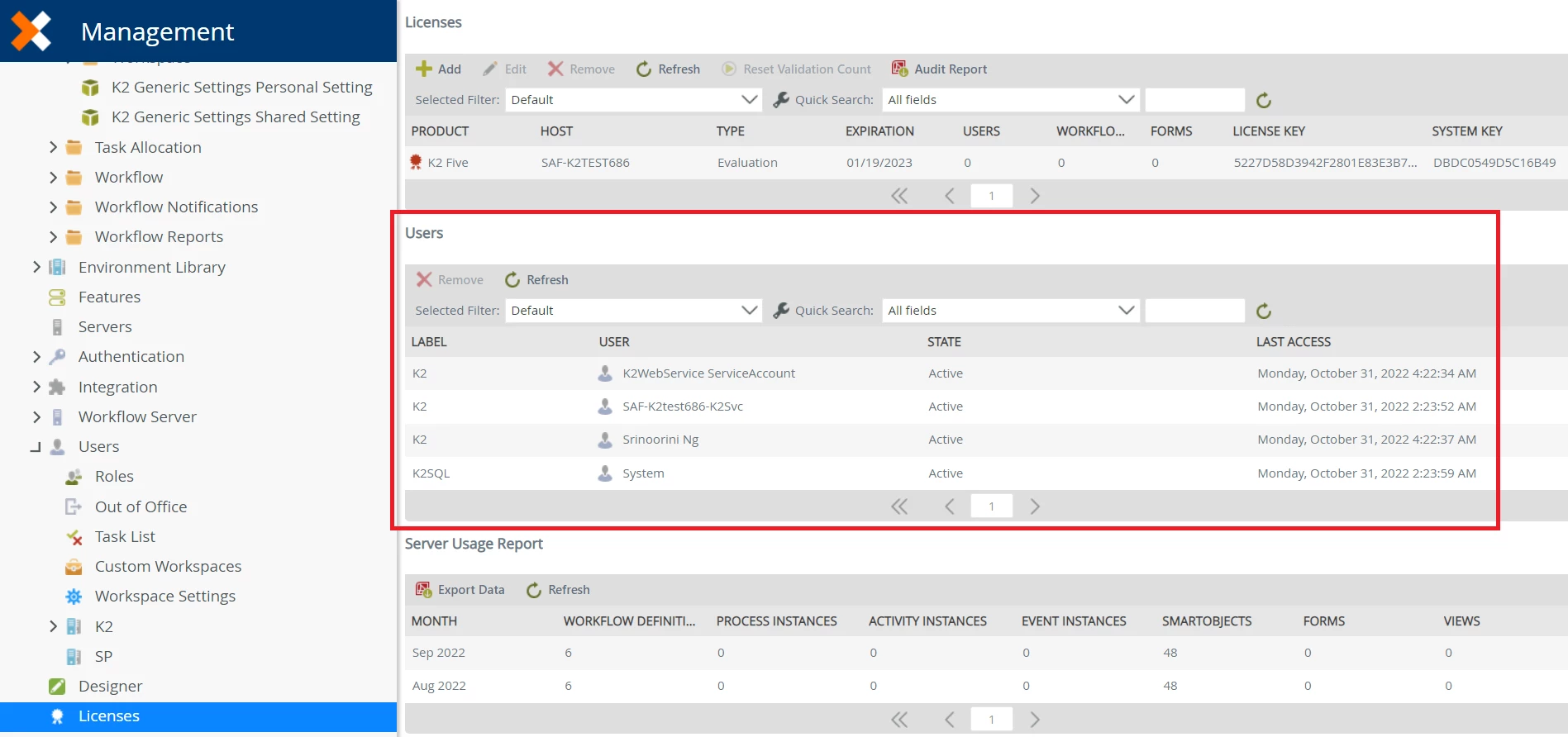
You can remove licensed users from K2 Management. However, if for some reason, you need to remove users without using K2 Management, you can use the Licensed User SmartObject to achieve this.
Instructions
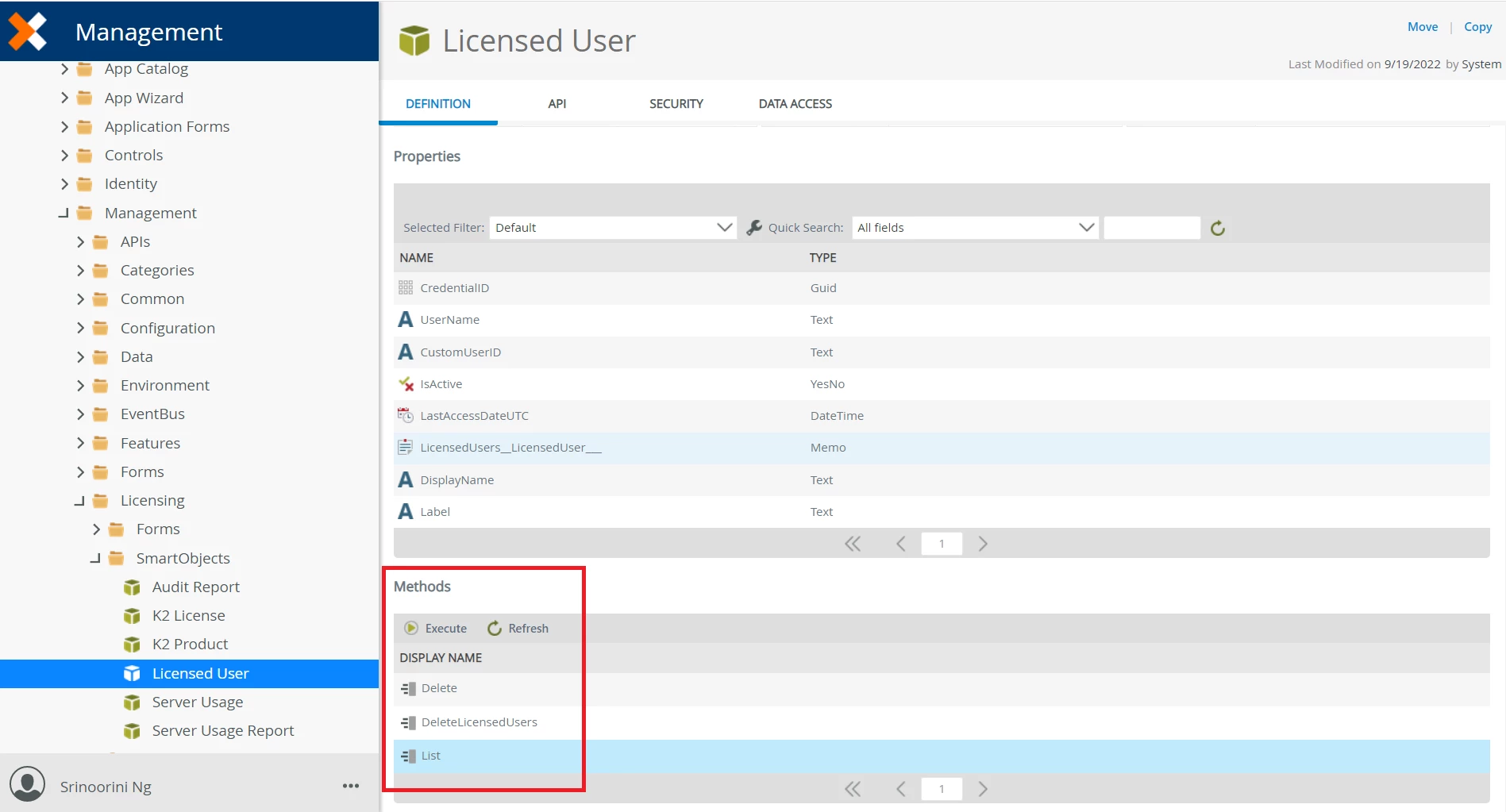
You can make use of the List and Delete methods through the Licensed User SmartObject found in SystemManagementLicensingSmartObjects.
You can retrieve a list of users that have not been active for a certain period using the List method filtering on the LastAccessDateUTC property. Loop through those results and call the Delete method of the same SmartObject passing in the CredentialID retrieved from the filtered list. This will be the same as clicking "Remove" on each item in K2 Management from the Licenses page.