



A new license key will not update as expected even if the license is correctly added
kbt152441
PRODUCTIssue
When updating the K2 License Key via the K2 Setup Manager, the licence key will not be updated as expected and the K2 Server will still be in an unlicensed state.
Symptoms
K2 Designer will show the following error:
"SmartObject Server Exception: 1059 SourceCode.SmartObjects.Runtime.SmartObjectManagementServer component not licensed!
1059 SourceCode.SmartObjects.Runtime.SmartObjectManagementServer component not licensed!"

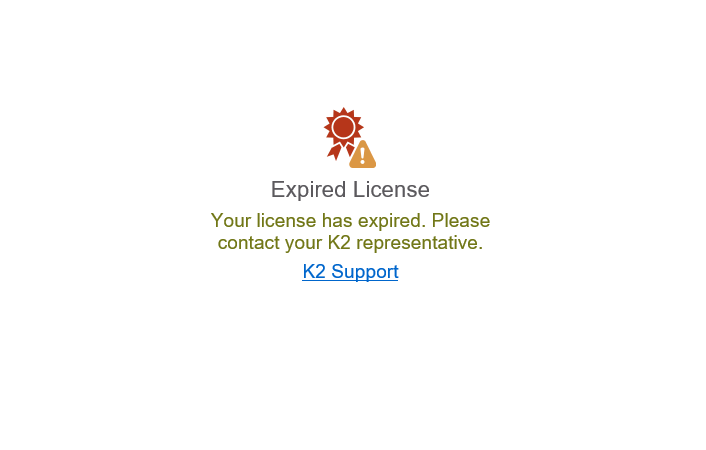
K2 Management and K2 Workspace will show the following error
"Expired License Your license has expired. Please contact your K2 representative. K2 Support"
Resolution
To resolve this issue, please do the following:
- Run the script below to determine the HostName on the K2 Server:
- If the Computer name is different from the ServerName, please execute the script below: