Nintex Community Menu Bar

Err Connection Refused K2 SMO API URL

  • May 7, 2018
  • 8 replies
  • 40 views

Hi


We are trying to use the k2 smo urls that have been exposed in the k2hostserver.config file but we are getting err connection refused when we hit the url.


Please help.

8 replies

Forum|alt.badge.img+9
  • Apprentice
  • May 7, 2018

  • Author
  • May 7, 2018

Hi


Yes we have. It was orking fome sometime before it suddenly stopped working about 3 weeks ago.


Cheers


Forum|alt.badge.img+9
  • May 9, 2018

Hi Jon1,


Can you post an image of the error you are seeing?


Can you open the Endpoints XML page? http://[BASE_URL]:8888/SmartObjectServices/endpoints/endpoints.xml


-Jean


  • Author
  • May 9, 2018


Hi


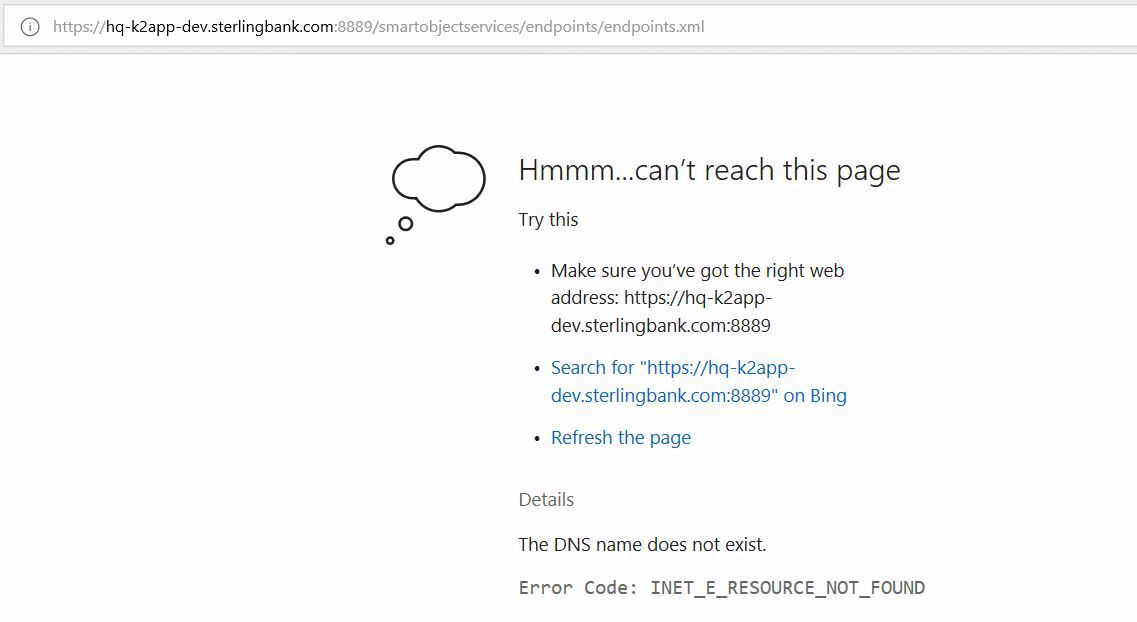
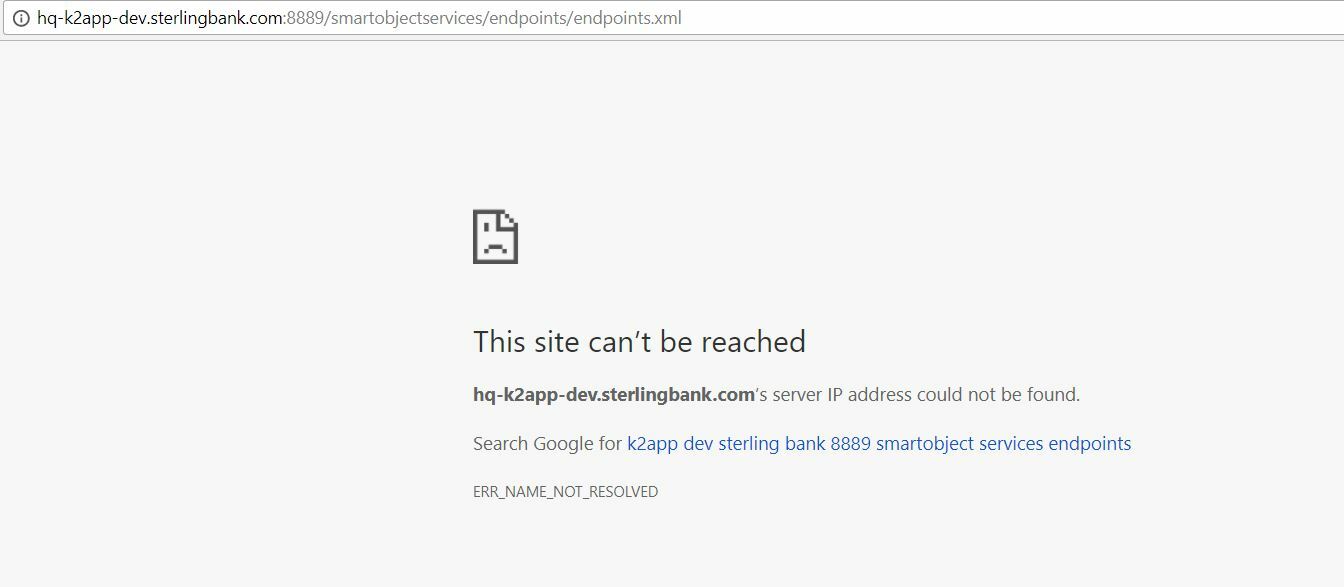
Find attached some screenshots.


Thanks


Forum|alt.badge.img+15

It seems there are some problem resolving your host name to a valid ip address. Do you get the same error if you open that URL on your K2 server or web server?


  • May 23, 2018

Hi, Jon1


Have you tried using a different browser ? 


Below is a provided link that can assist in fixing the connection issue.


https://ugetfix.com/ask/how-to-fix-inet_e_resource_not_found-error-on-windows-10/


NOTE: K2 will not accept any liability for any issues arising from actions taken in respect of the information provided by any forum member.


Forum|alt.badge.img+16
  • May 29, 2018

Hi,


Can you try to change the 'exclude all' node to false, restart K2 blackpearl service, and test it again? 


----------------------


<managedEndpoints>
<static>
<endpoints />
</static>
<excluded all="false" />
</managedEndpoints>


You can try to execute the following command with cmd and check if URL reservation is already existed for http://+:8888 and it's being used by another service.


'netsh http show urlacl>c:urlacl.txt'


  • August 21, 2019

I had bib prob too, thanks God now it gone.

  1. Launch Microsoft Edge and type about:flags in the URL address bar;
  2. Press CTRL+SHIFT+D to reveal Diagnostics part;
  3. Scroll down to find Networking section;
  4. Locate TCP Fast Open and uncheck the box;


https://geeksadvice.com/how-to-fix-inet_e_resource_not_found-error-on-windows-10/