




Issue
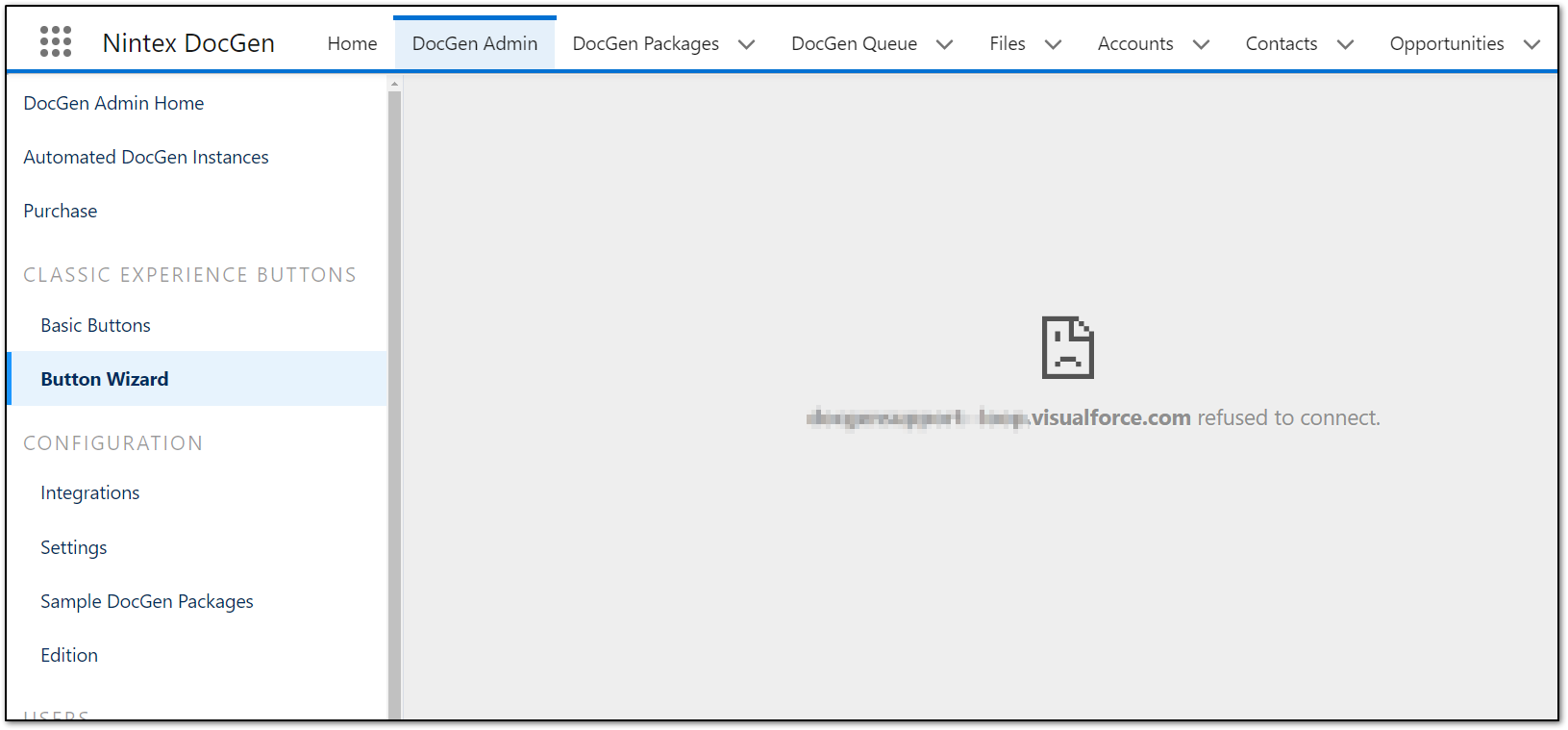
When accessing the Button Wizard a gray refused to connect screen is displayed
- This is due to the Salesforce Clickjack Protection settings
Error Code
Resolution
Option 1
Navigate to
1. Salesforce Setup >
2. Quick Find > Session Settings >
3. Trusted Domains for Inline Frames > Add Domain >
Please try the following Combinations:
Note: replace {MyDomain} with the current Salesforce Environment
a. https://{MyDomain}.lightning.force.com
b. https://{MyDomain}.sandbox.lightning.force.com
c. https://{MyDomain}.sandbox.my.salesforce.com
d. https://{MyDomain}--loop.visualforce.com
e. https://{MyDomain}--loop.sandbox.vf.force.com
f. https://{MyDomain}--loop.force.com
Option 2
Navigate to
1. Salesforce Setup >
2. Quick Find > Session Settings >
3. ClickJack Protection > Uncheck >
Enable clickjack protection for customer Visualforce pages with headers disabled
Additional Information
Related Links