Topic
How to add custom help text to the Delivery Option.
Instructions
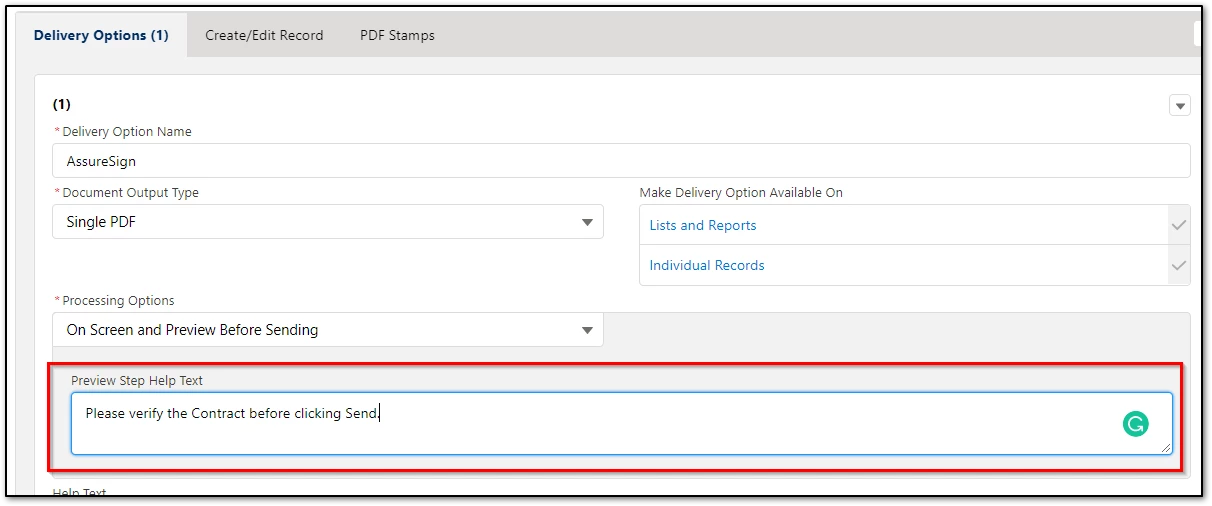
Add the desired text to the 'Preview Step Help Text' field.
In the Lightning (LEDD) interface:
In Salesforce Classic:
If this field is not available in the delivery option, navigate to Setup > Objects > Delivery Option > Download Layout, and then drag 'Preview Step Help Text' from the fields listed above into the layout.
If this field is not available in the delivery option, navigate to Setup > Objects > Delivery Option > Download Layout, and then drag 'Preview Step Help Text' from the fields listed above into the layout.
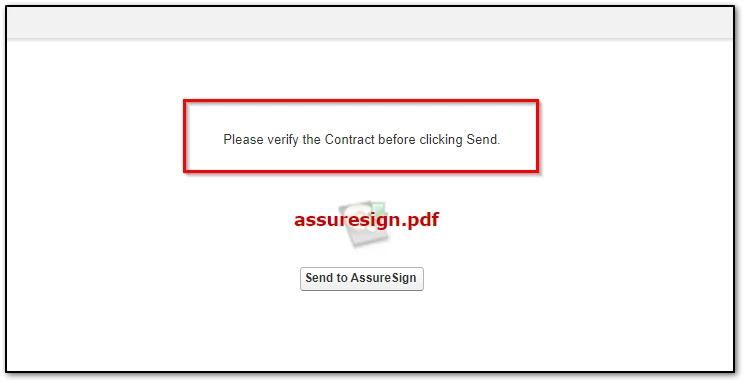
Expected experience: