



Topic
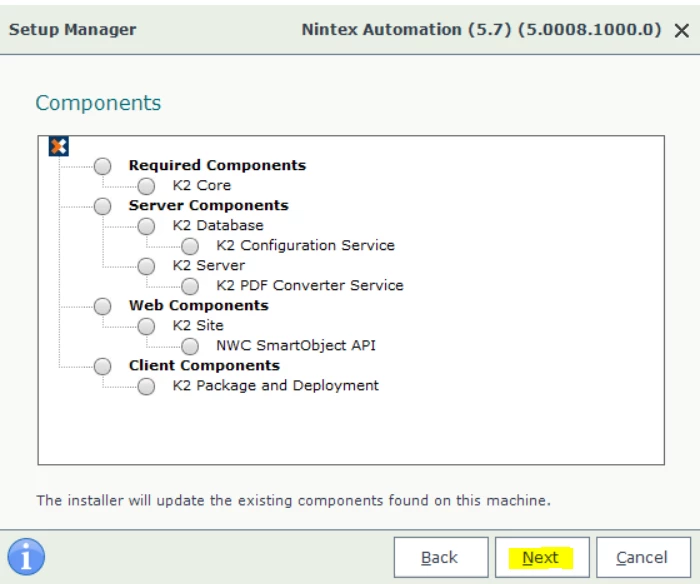
Attempting to perform an upgrade, but the Next button on Setup Manager is not responding to clicks. All prerequisites have been met and no warnings or errors are shown on Setup Manager.
Instructions
Reproduce the issue, keep the Setup Manager opened, go to '%TEMP%\K2 Setup Log' in Windows Explorer and check the most recent InstallerTrace logs.
If you see the following error in the logs, that means Setup Manager is not able to connect to the K2 database with the user 'sqluser'.
Logged Error: Could not connect to SQL server. Exception: Login failed for user 'sqluser'.
The connection string Setup Manage used to connect to the K2 database can be found in [Program Files]\K2\Setup\Configuration.config. You can open Configuration.config with notepad to check if the username and password in the connection string is correct. If the username and password is wrong, update it manually, save the changes, close Setup Manager and launch the installer again.
Note: The connection string in Configuration.config is encrypted in newer versions of K2. If you need help decrypting the connection string, please log a support case with Nintex Support.