



Topic
When you try to uninstall the system manager from the Control Panel, you may encounter the following error:
"System Manager cannot be uninstalled while Nintex products are installed on this machine".
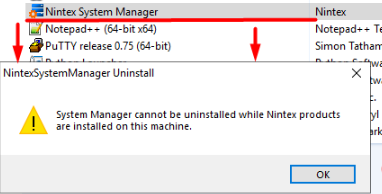
If the error persists after removing other Nintex products (e.g. RPA, Studio, Robot, etc.), please follow the instructions below.
Instructions
1. Open the Registry Editor
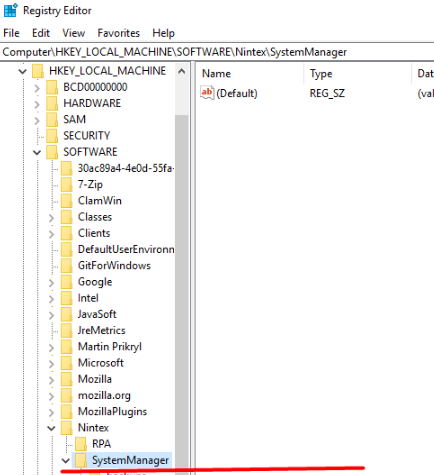
2. Navigate to Computer\HKEY_LOCAL_MACHINE\SOFTWARE\Nintex
3. You should see a folder 'SystemManager'. Delete the complete 'SystemManager' key folder.
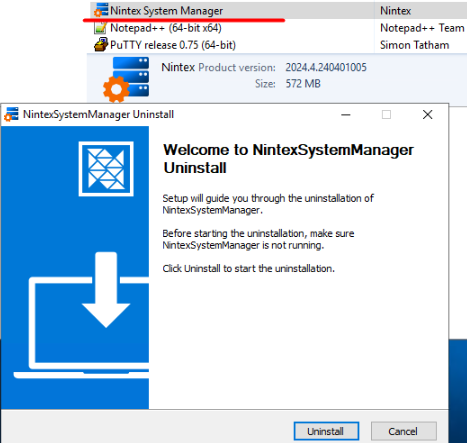
4. Go back to the Windows Control Panel and attempt to uninstall the System Manager again. This should now be possible.
If you encounter any difficulties please reach out to the Support team.