Topic
I cannot see any data in the Studio Catalog Tree after a new installation, or they disappeared recently.
Cause
-
Permissions configuration
-
License expired
Instructions
-
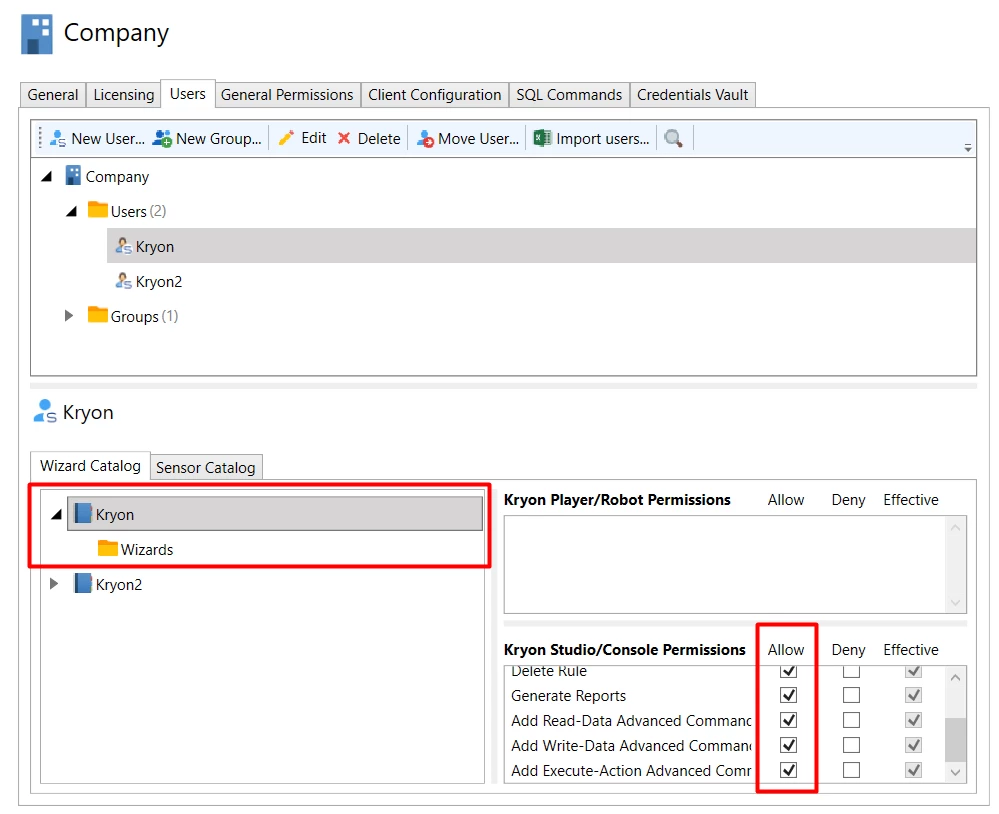
Open Admin.
-
Navigate to the Company name.
-
Select the Users tab.
-
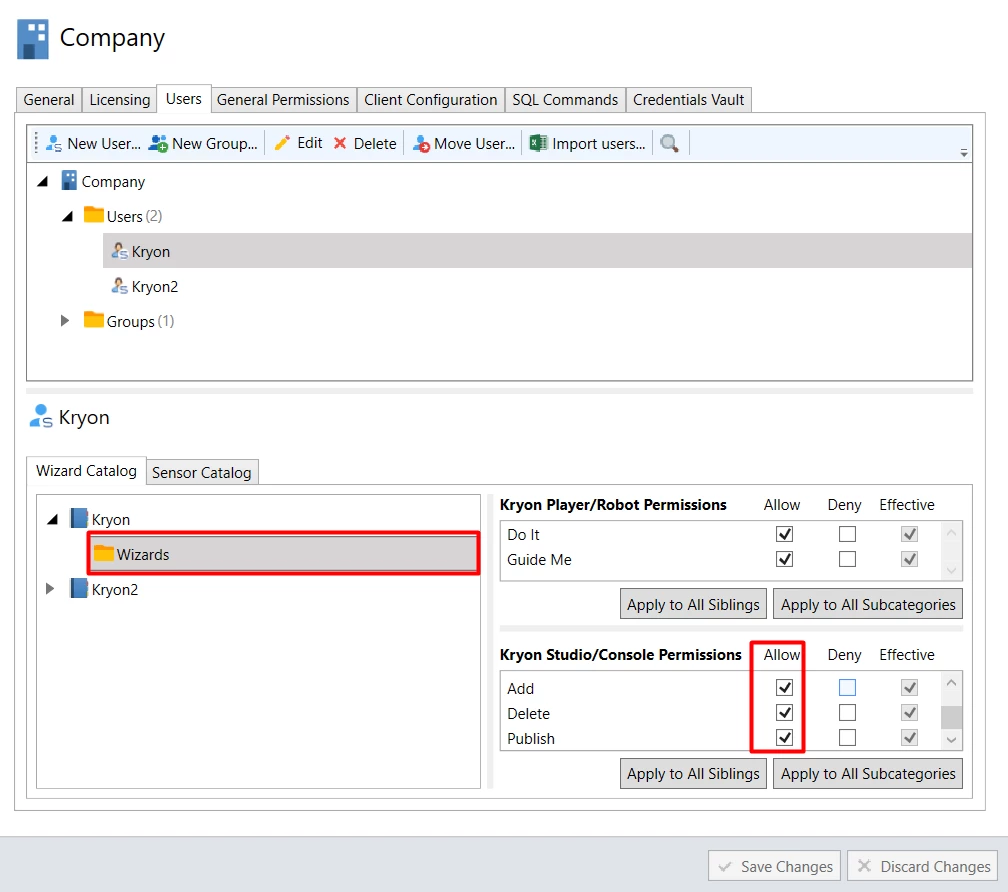
Click on the missing library and go to Studio/Console Permissions tab.
-
Verify user has permissions.
License Expired
-
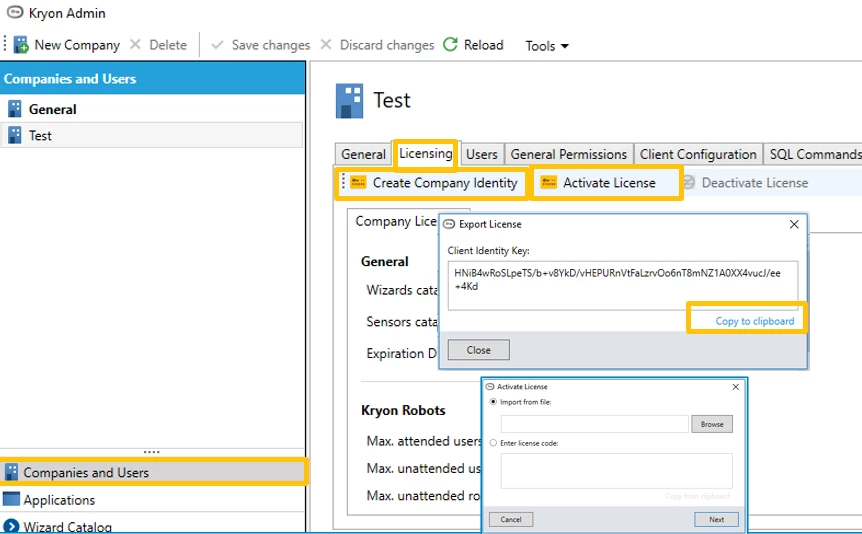
Open Admin.
-
Verify license is valid.
-
In case the license has expired, open a support case, which will be transferred to the Licensing Team and specify below:
-
PROD or DEV environment
-
Partner/Customer, both where applicable.
-
Is Online/Offline activation required.
-
Company/Identity Key (as in the screenshot below).