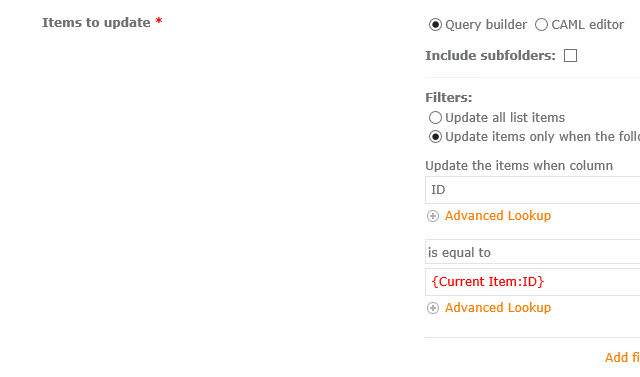
Hi,
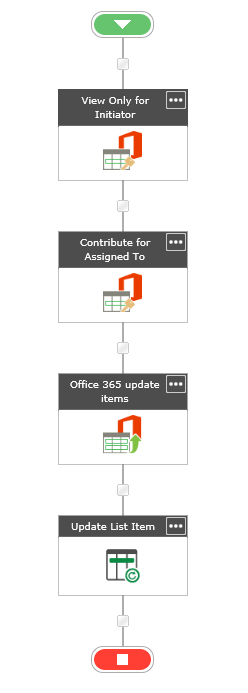
I need to update list columns after updating Item Permission (very basic requirement: view only for initiator and controbute for approvers, which is working correctly).
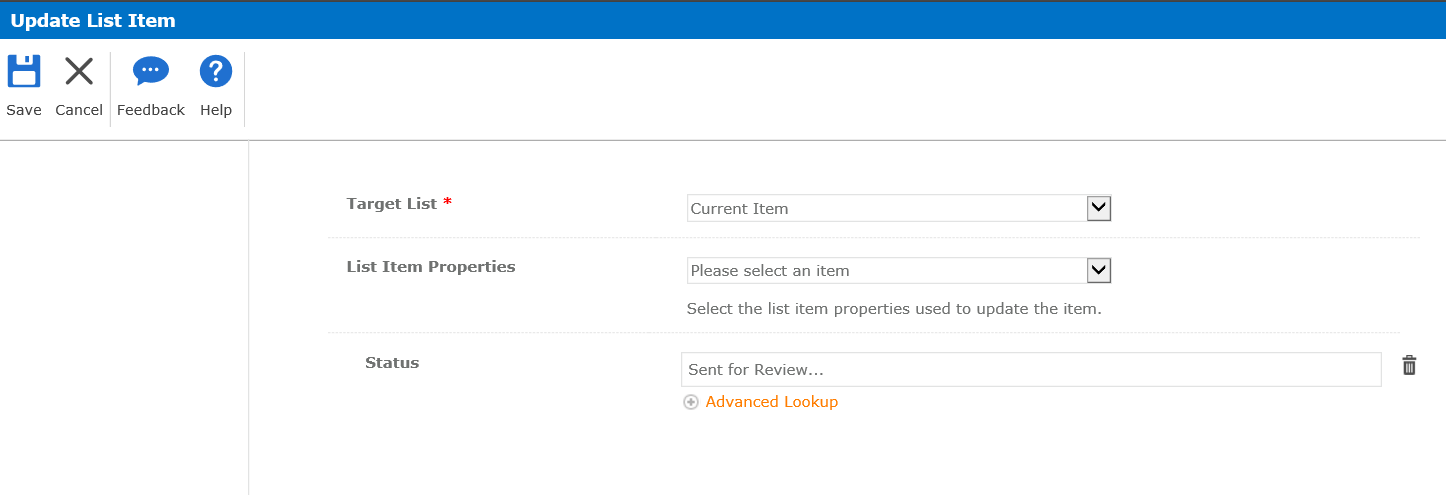
I usually use "Update List Item" action, but I found this does not work well with "O365 Update Item Permission", possibly because I already removed permission inheritence in this.
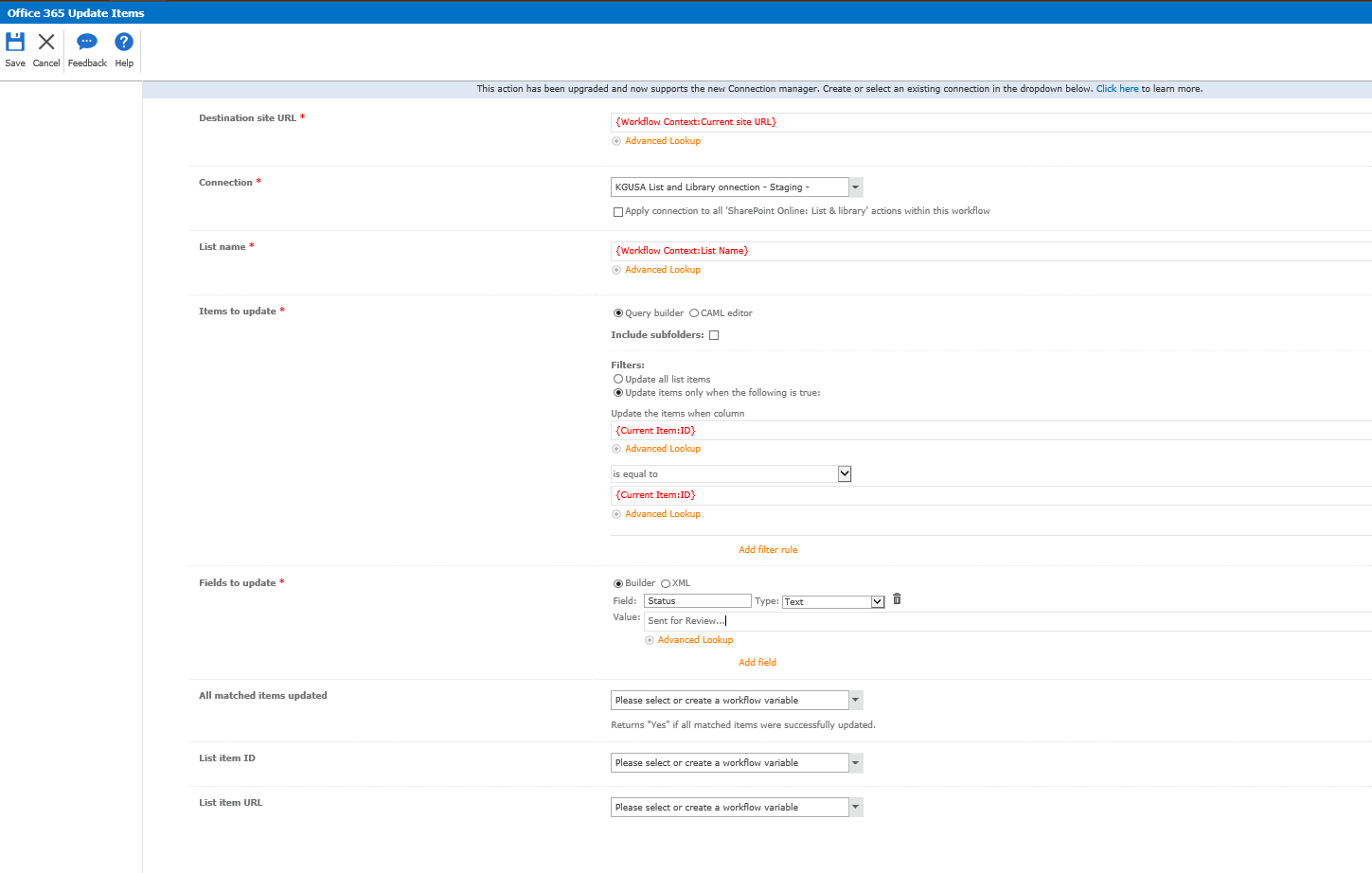
Now I am trying "O365 Update Items" to substitue "Update List Item".
Is this a correct approch to update list item? What should I configure for mandatory input "Fields to Update" on "O365 Update Items" action?
For screenshot purpose, I left original action "Update List Item" and inserted a new "O365 Update Items" to show comparison.
Thank you for your support in advance,
-Naoko