Nintex Community Menu Bar
Solved

K2 Workflow Api Check a Specific Task

  • October 8, 2024
  • 6 replies
  • 97 views

Forum|alt.badge.img+4

Hi all, in my previous question I asked how to use Workflow API to check tasks assigned to a user.


However, I find that the API returns all the tasks. If I have the workflow instance folio and the workflow name, can I directly filter the response to get the information I need? Thank you.

Best answer by Anelle

Hi Bentsui,

I’ve reached out to one of our senior developers. The only parameter available is the State Paramater (All, Allocated, Sleeping, AllocatedAndShared or AllExcludigingOriginator). 

Have a look at this in the Documentation and see if it can help you find another way to achieve your scenario and let me know - https://help.nintex.com/en-US/nintexautomation/devref/5.7/Content/Runtime/WF-Client/Retrieve-wl-criteria.html


If this doesn’t help, you are welcome to post a feature request on https://ideas.nintex.com/


Regards,

Anelle

6 replies

Anelle
Nintex Employee
Forum|alt.badge.img+11
  • Nintex Employee
  • October 8, 2024

Hi Bentsui,

Am I correct in saying you are using K2 Five (5.6)? Do you have any Fix Packs installed? Please send me the steps you follow to create the filter. I will then review and will be able to send you an answer.

Regards,

Anelle


Forum|alt.badge.img+4
  • Author
  • Scholar
  • October 8, 2024

Hi Anelle,

Yes, I am using K2 Five (5.6). I am not sure what Fix Packs are installed. Could you please tell me where I can check?

Here are the steps that I try to call the Workflow API to get the tasks.

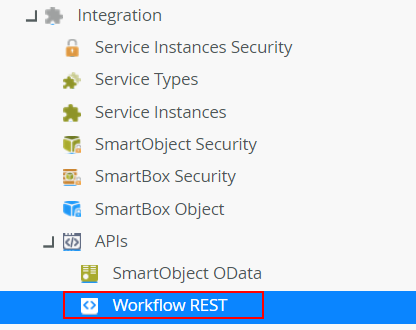
  1. In K2 Management, Go to ‘Workflow REST’.


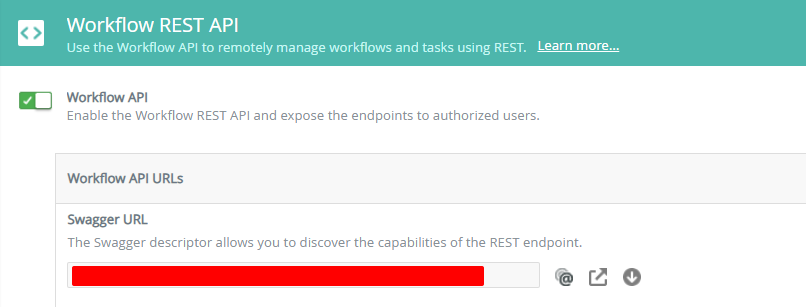
  1. Click the Swagger URL.
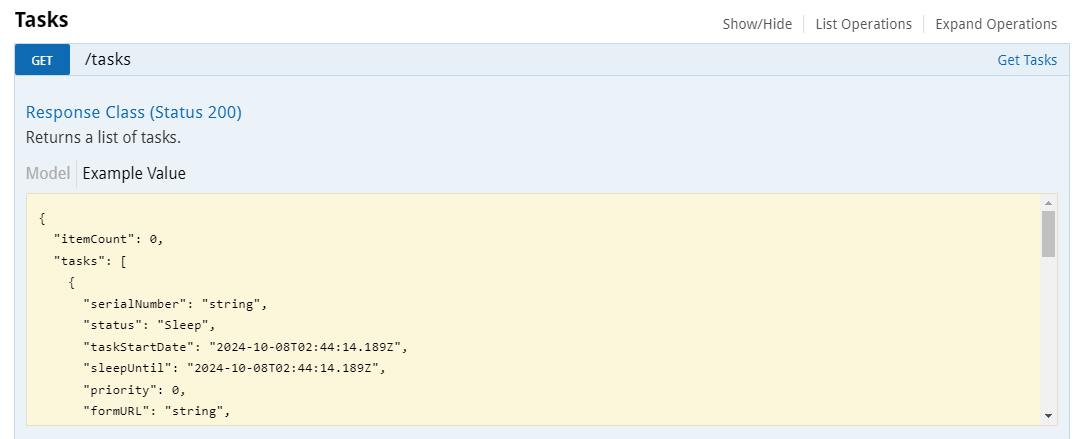
  2. Call the ‘GET /tasks’ API.
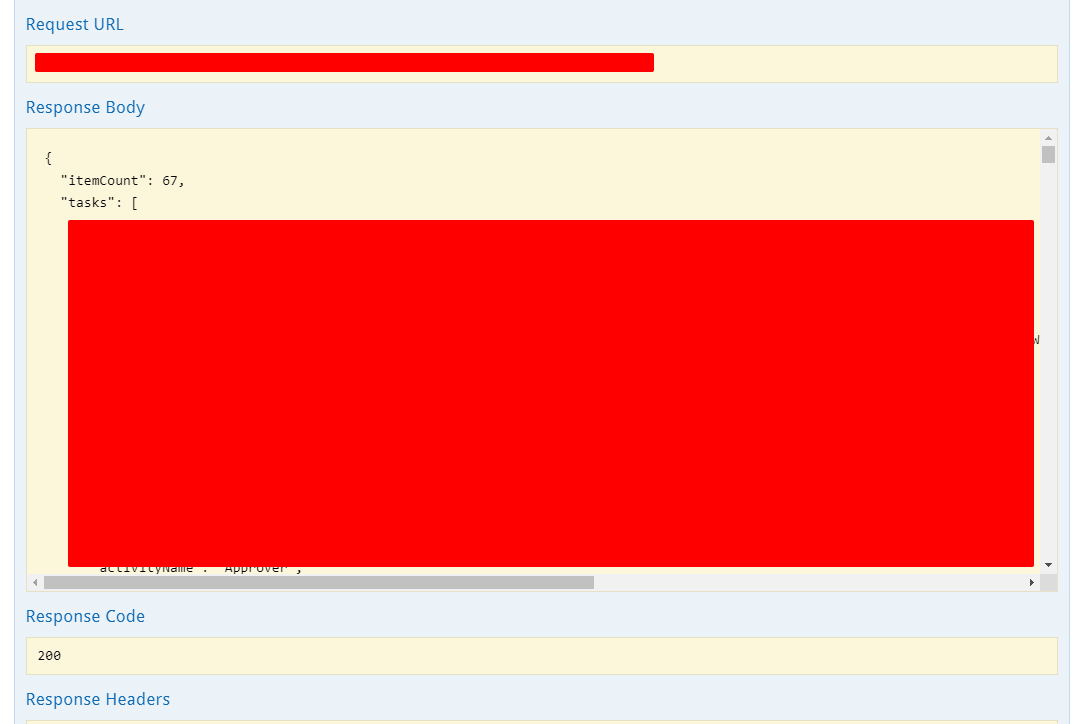
  3. Get the response. But the response includes all the tasks and I am looking for parameters that can help me filter the tasks that I need (for example, workflow name, workflow instance folio)


Anelle
Nintex Employee
Forum|alt.badge.img+11
  • Nintex Employee
  • October 8, 2024

Hi Bentsui,

Go to this KB article 

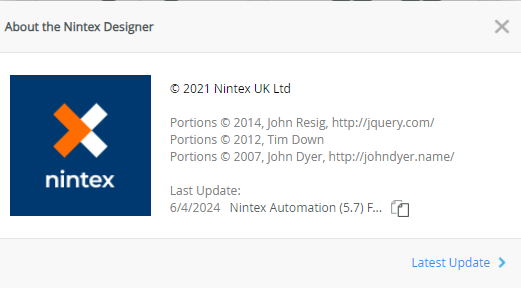
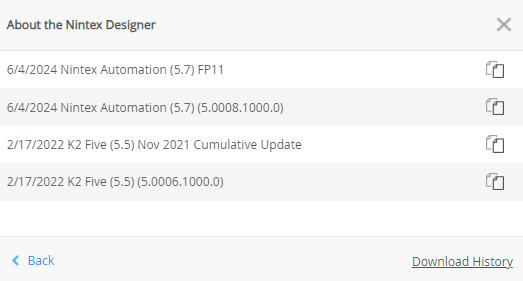
 and use the “Using the About Dialog...” section to determine the Fix Pack installed. Send me that Fix Pack number and I’ll check on the same version on my side.


Regards,

Anelle


Forum|alt.badge.img+4
  • Author
  • Scholar
  • October 8, 2024

Hi Anelle,

Please see the screenshot. Thanks.


Anelle
Nintex Employee
Forum|alt.badge.img+11
  • Nintex Employee
  • October 8, 2024

Hi Bentsui,

Thank you, I will get back to you as soon as possible.

Regards,

Anelle


Anelle
Nintex Employee
Forum|alt.badge.img+11
  • Nintex Employee
  • Answer
  • October 8, 2024

Hi Bentsui,

I’ve reached out to one of our senior developers. The only parameter available is the State Paramater (All, Allocated, Sleeping, AllocatedAndShared or AllExcludigingOriginator). 

Have a look at this in the Documentation and see if it can help you find another way to achieve your scenario and let me know - https://help.nintex.com/en-US/nintexautomation/devref/5.7/Content/Runtime/WF-Client/Retrieve-wl-criteria.html


If this doesn’t help, you are welcome to post a feature request on https://ideas.nintex.com/


Regards,

Anelle