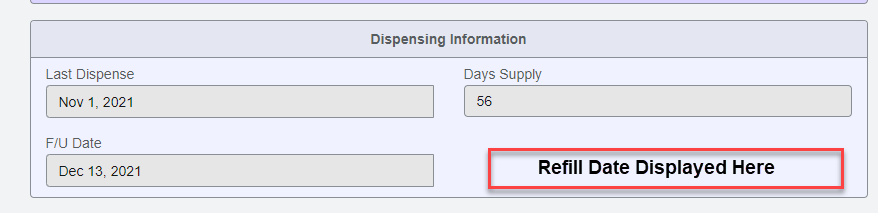
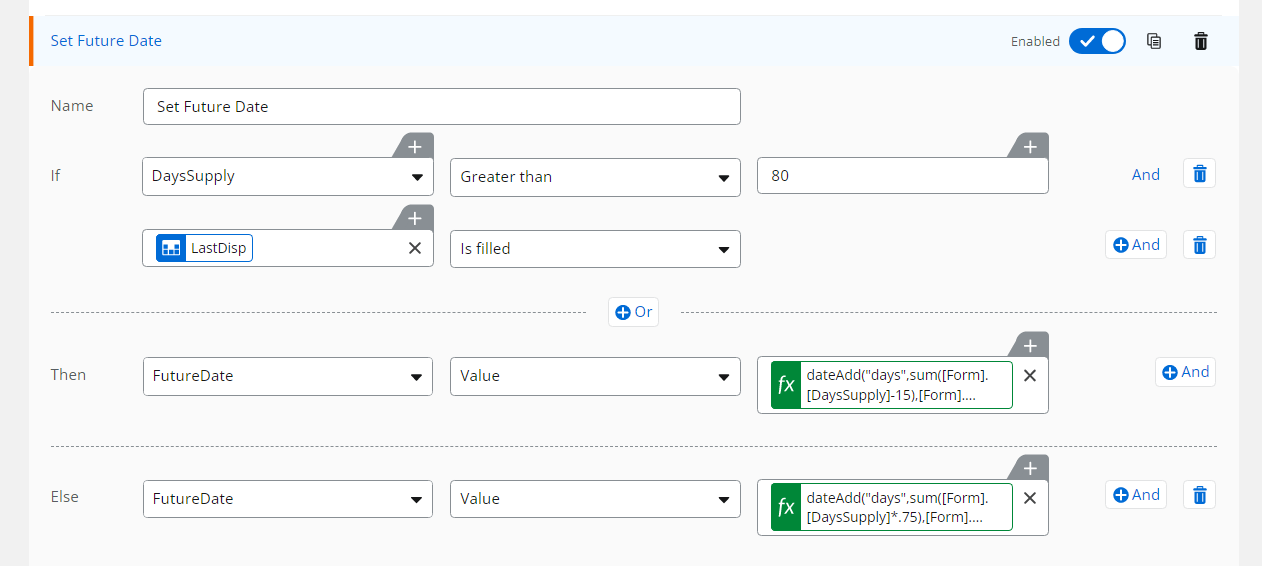
I am new to creating a variable to be used on the New Responsive Form that will calculate a future date when taking into consideration two columns with different field types. Column A is a date/time column and Column B is a number column. For my list I am using a calculated column with the following formula to display a date: =IF([Days Supply]>80,[Last Disp]+([Days Supply]-15),[Last Disp]+([Days Supply]*0.75))
I would like for this date to also appear on the form for end users to see when working on a profile, but every time I create the form variable it comes with an error. Any advise would be much appreciated.