If you have a SharePoint list with a bunch of columns, you will probably want to put them in a certain order.
To do this, access your list that the columns need rearranging, and select the ellipses next right above your list, then select "Modify View"

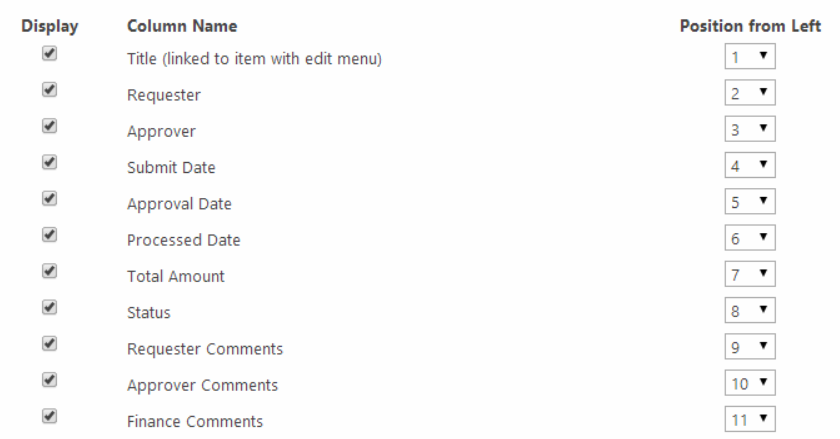
Once you are in the view editor, you can select which columns you want to display and the position of each one.