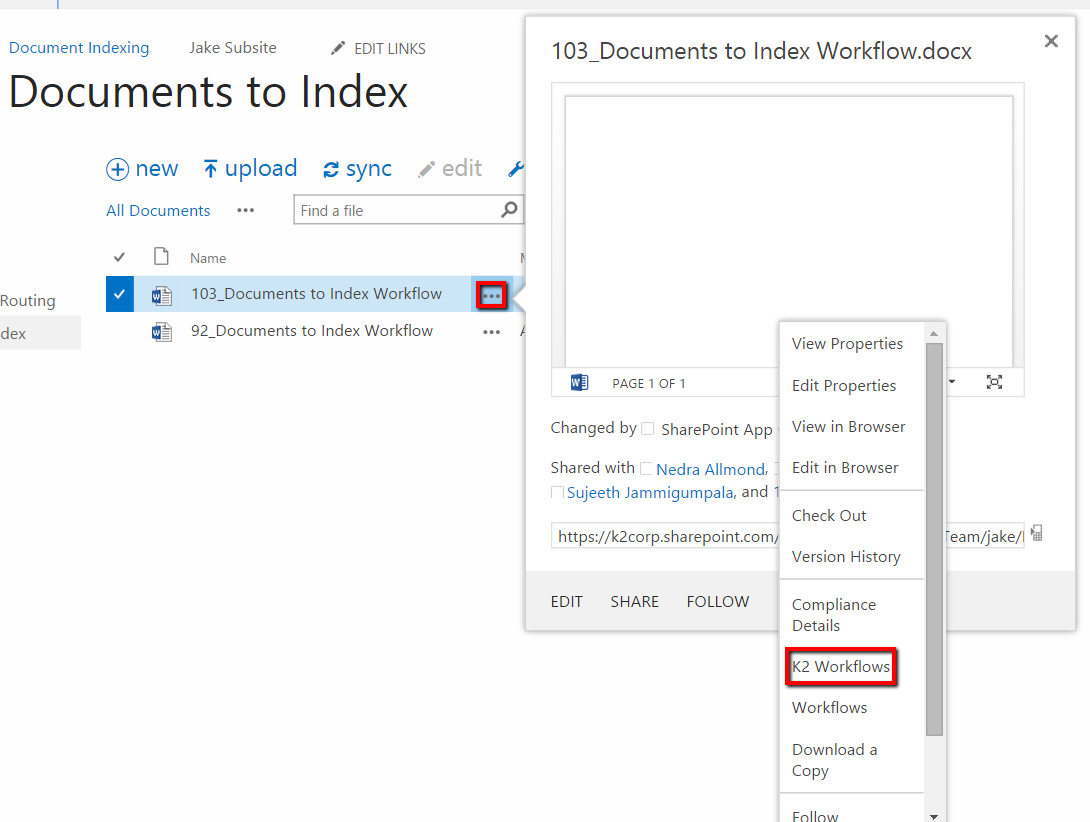
If you would like to have your workflow start by manualling activating it, this is easily possible in Appit. Access the List or Library item you would like to use to start the workflow and click the ellipses next to it and then select "K2 Workflows"
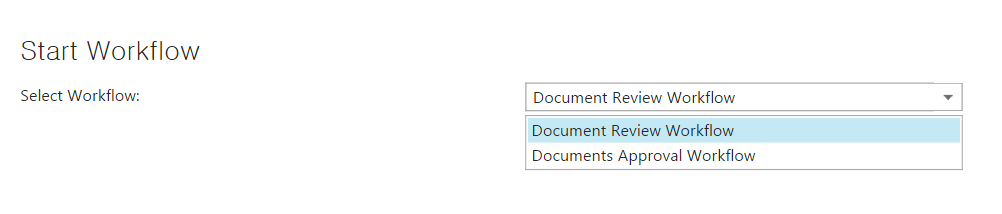
From this screen, you can select whichever workflow you would like to start, and select "Start Workflow".