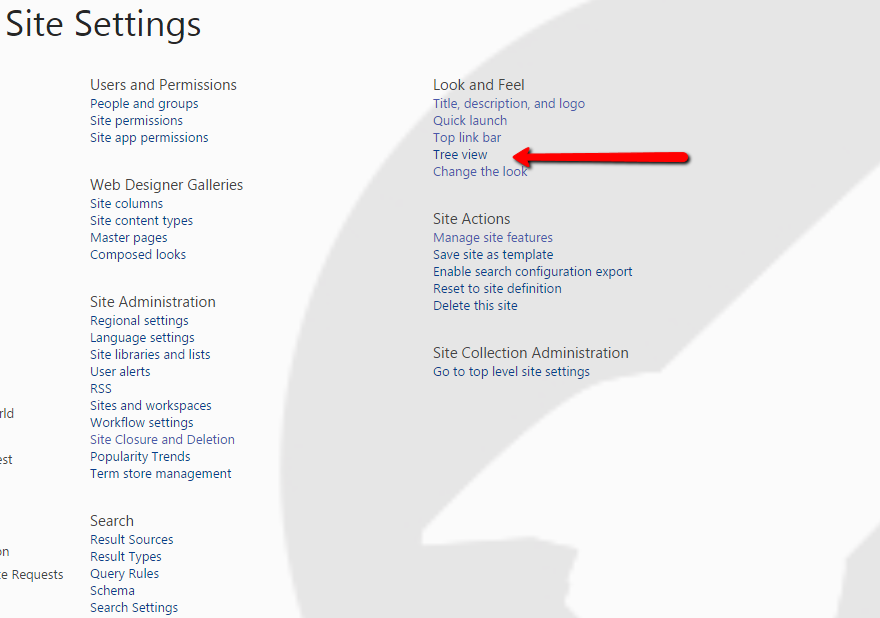
The Tree View is very helpful when navigating through large amounts of SharePoint sites, lists, libraries, etc. To enable this view, go to the Site Setting and under Look and Feel there is an option for Tree View. Simply check the Tree View box to enable, then save. It will appear on the bottom of the left panel on your sites.